Listening address and encoding software
As soon as your radio is created, two pieces of information matter to you: the address to give to your listeners and, if you present live, your software's settings.
The listening address
- In Services, open your radio.
- Under Your audio stream, copy the listening address.
- Share it: it is what your listeners, your websites and your directories use.
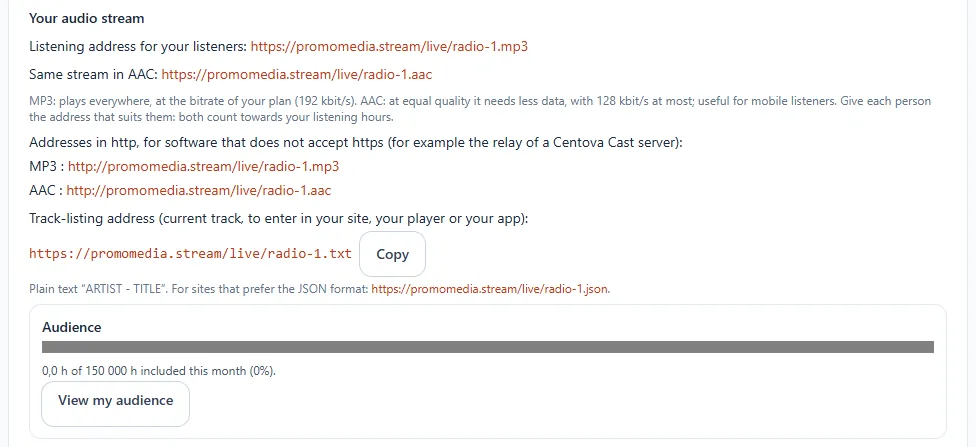
You can customise it: Customise your listening address.
Broadcast live
If you present with encoding software, enter the settings from Connecting your broadcasting software: Broadcast live with your software.
Without software, it is not a problem: the AutoDJ takes the air with your music. Next step: Upload your music.