The image library
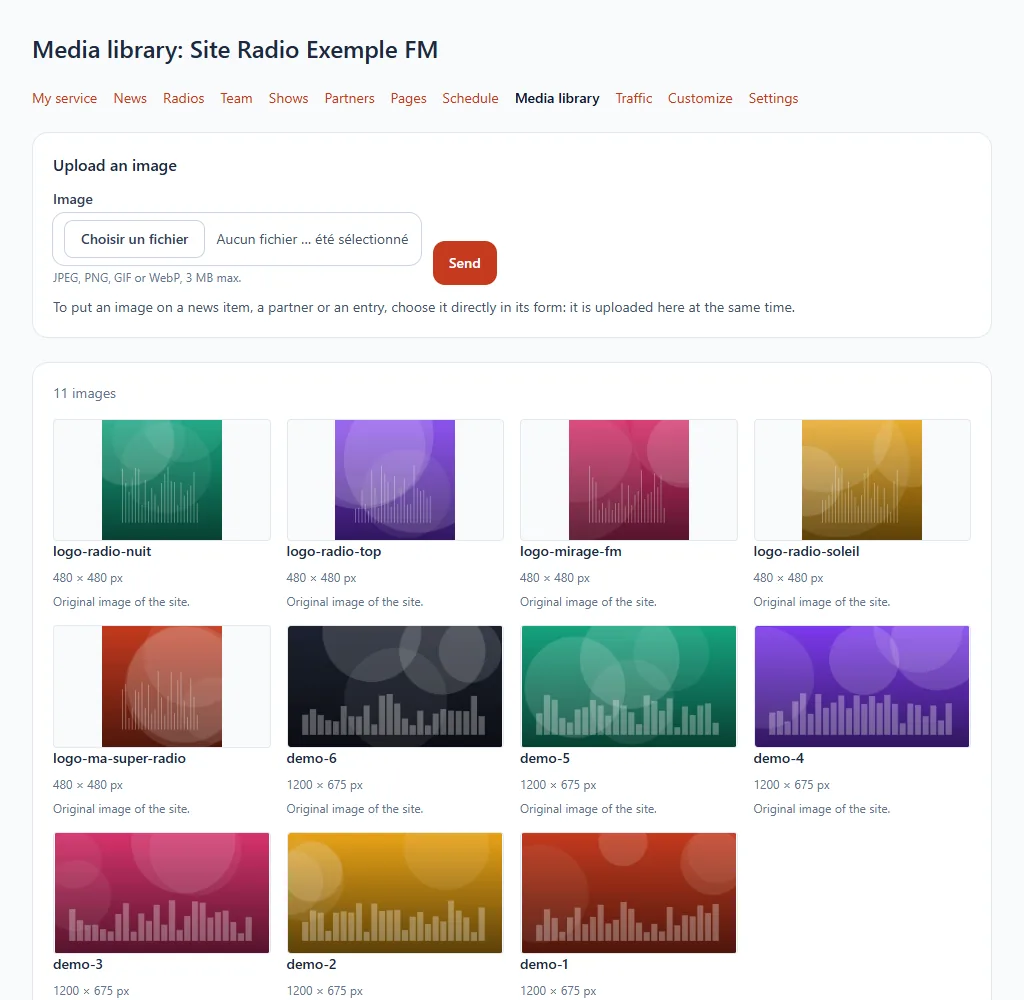
The library gathers all your website's images. You upload them once and reuse them in your news, shows, team and partners.
Where to find it
Media library section of your website's menu.
Step by step
- Choose an image on your computer (JPEG, PNG, GIF or WebP) and upload it.
- It appears in the list and can be chosen from the other sections.
- To remove it, delete it from the list.
Good to know
Your website's storage space may be limited: if the upload is refused, delete unneeded images or contact us.