Upload your music
A few minutes are enough for your radio to have music on air.
Step by step
- Open your radio in Services, then Manage my library.
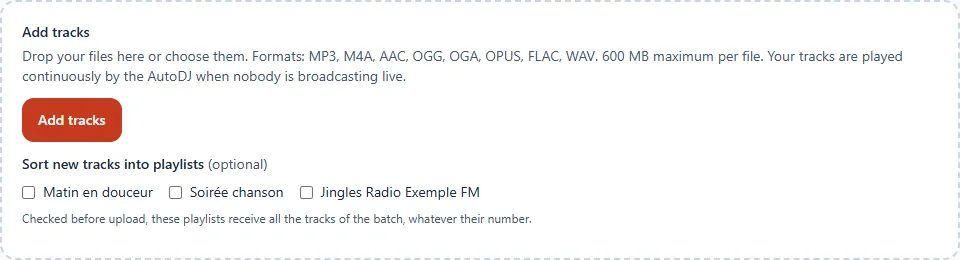
- Drag your files into the upload area, or click Add tracks.
- Wait for the upload to finish: the tracks appear in the list.
Good to know
- Formats: MP3, M4A, AAC, OGG, OGA, OPUS, FLAC, WAV. 600 MB at most per file.
- No need to normalise the volume: it is harmonised automatically.
- Correct the title, artist, album or genre if needed with Edit.
All the details: The track library.
Next step: Your first programming.