Support and tickets
A question, a doubt, a problem? Open a request: our team replies directly in the panel and by email.
Where to find it
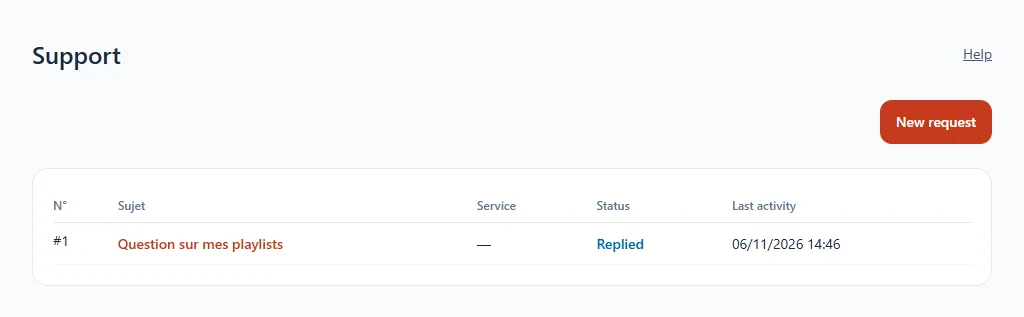
In the sidebar, click Support.
Open a request
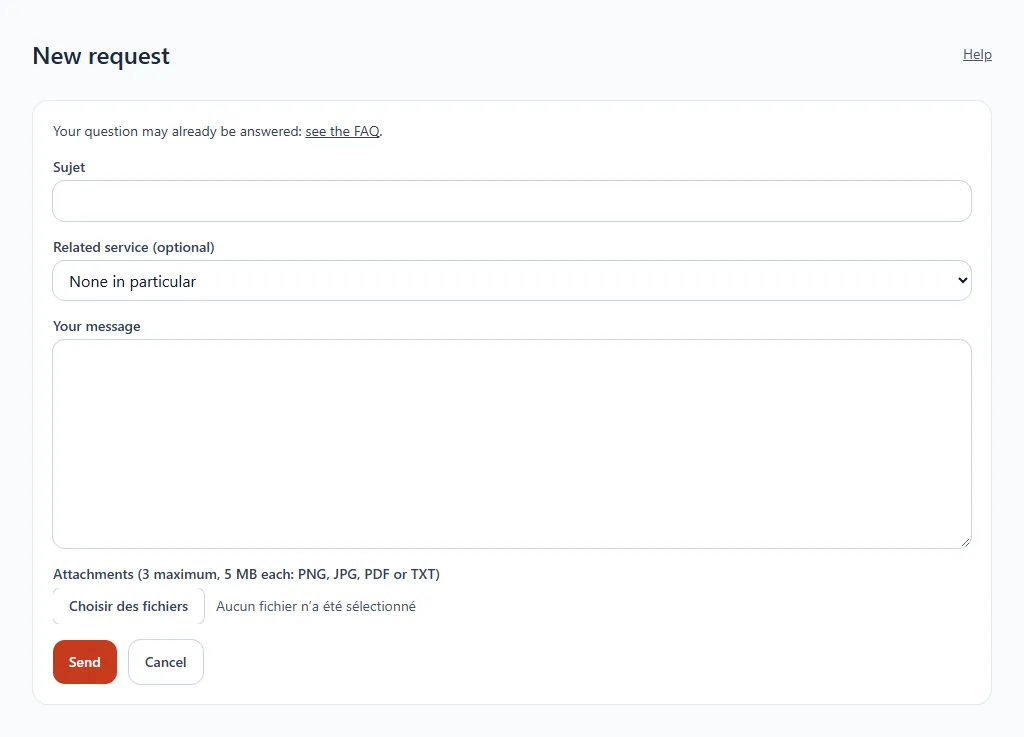
- Click New request.
- Enter a subject and, if needed, the service concerned.
- Describe your question in Your message.
- Add attachments if they help (3 at most, 5 MB each: PNG, JPG, PDF or TXT). A screenshot often speeds up the reply.
- Click Send.
Follow a request
Each request has a status (for example Replied). Open it to read the exchanges and reply. When your question is resolved, you can close it. The dashboard flags the requests that have received a reply.
Before writing
The FAQ answers many common questions, and each page of the wiki is designed to guide you step by step.