My account
Your personal account brings together your information, your password and your security. A few minutes of setup are enough to protect it well.
Where to find it
Click your name, at the bottom of the sidebar (top right on a phone).
Edit your information
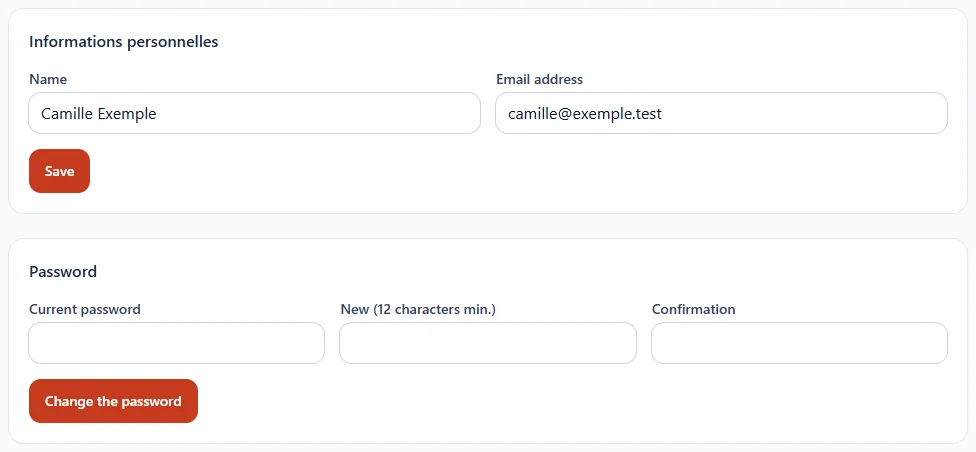
Change your name or your email address, then click Save.
Change your password
- Enter your current password.
- Choose a new password: at least 12 characters, with letters and digits.
- Confirm it, then click Change password.
Enable two-factor authentication
It adds a second verification step with an authenticator app (Google Authenticator, Authy, 1Password…). Even if someone discovers your password, they will not be able to get in without your phone.

- Click Enable.
- Scan the code displayed with your authenticator app.
- Enter the 6-digit code it shows to confirm.
- Keep your recovery codes safe: they let you log back in if you lose your phone.
Your personal data
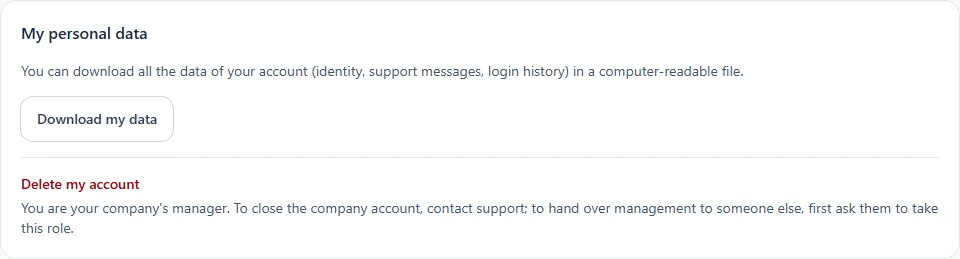
You can download all your account's data (identity, support messages, login history) in a computer-readable file.