Remove silences at the start and end
Between two tracks, a small blank sometimes creeps in. This option removes them automatically.
What it is for
Getting a continuous station, with no silence between tracks.
Where to find it
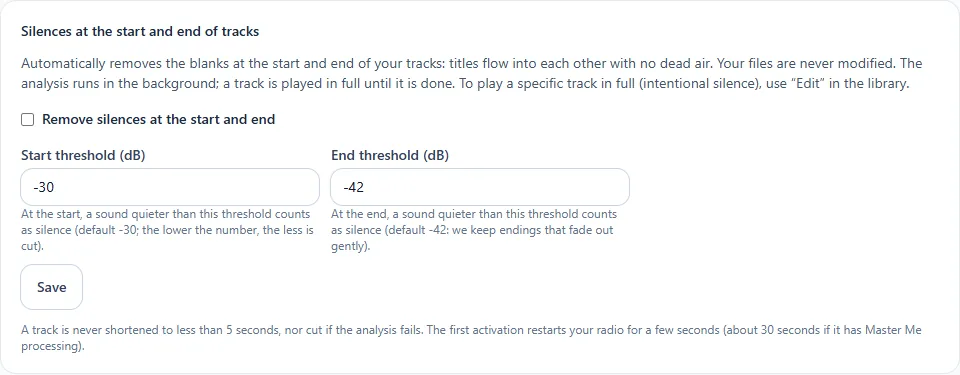
In the sidebar, under This radio, click Programming (or Program the AutoDJ from your radio's page), then, in the Advanced settings section, Silences at the start and end of tracks.
Step by step
- Tick Remove silences at the start and end.
- If needed, set the start threshold (−30 dB by default) and the end threshold (−42 dB by default: endings that fade out gently are kept). The lower the number, the less is cut.
- Click Save.
Good to know
- Your files are never modified.
- The analysis is done in the background: a track is played in full until it is finished.
- A track is never shortened to less than 5 seconds.
- To play a specific track in full (intended silence), use Edit in the library.
- The first activation restarts your radio for a few seconds.
Combine it with the crossfade for a very smooth result.