Your audience
How many listeners right now? What was your best day? The Audience page answers without any file or calculation.
Where to find it
In the sidebar, under This radio, click Audience. The View my audience button on your radio's page leads to the same place.
Right now
The radio's status (online or offline), the number of listeners and the current song.

Trends and durations
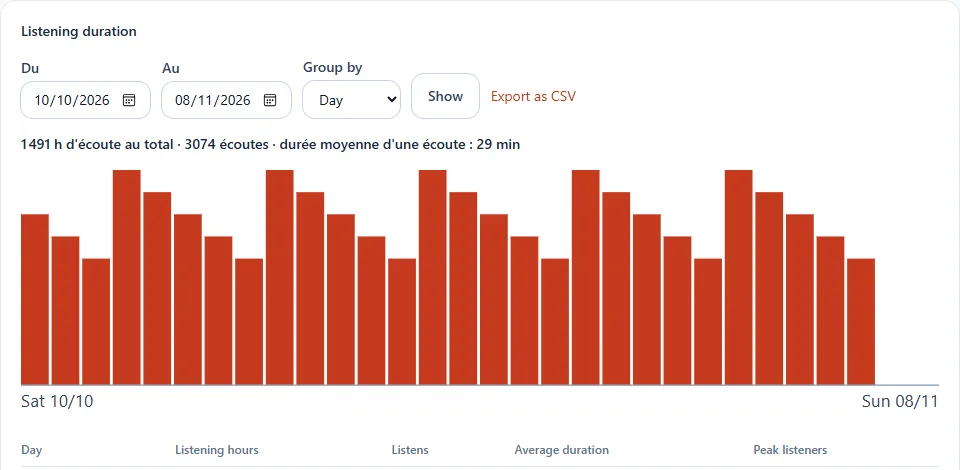
The This week section compares the last 7 days with the 7 days before and shows the listener peak. Listening summary gives the listening hours for yesterday, the last 7 and 30 days and last month. In Listening duration, choose a period, group by day, week or month, then click Show. Export as CSV downloads the detail for your spreadsheet.
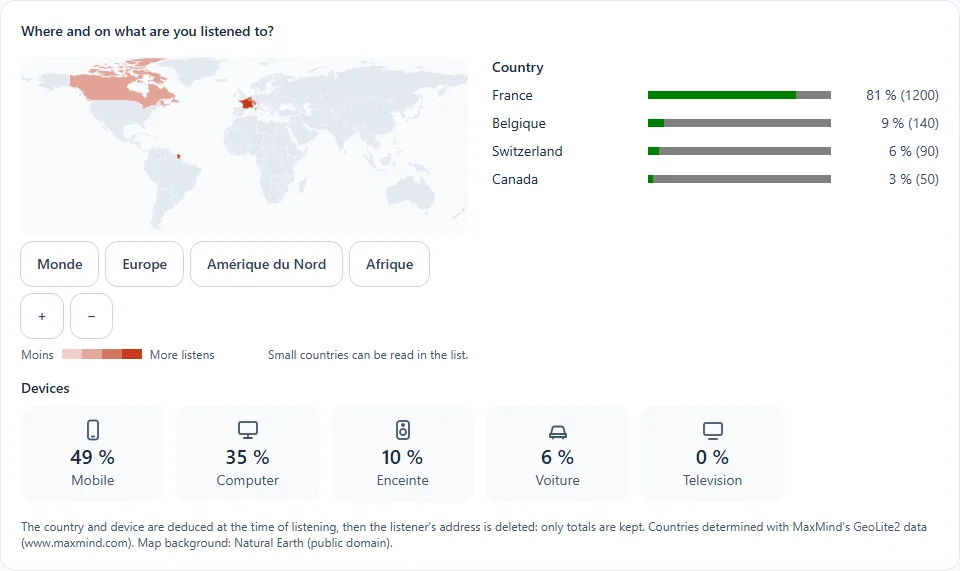
Where and on what are you listened to?
A map and lists show the countries of listening and the devices: mobile, computer, speaker, car, television.
Respect for privacy
None of your listeners' personal data is kept: no IP address, no identity, only totals.
Good to know
- Listens are counted when they end; connections of less than 10 seconds do not count.
- The history is kept for 13 months.