Shows
Each show has its own page: image, summary, presentation, colour and presenters. They also feed the programme schedule.
Where to find it
Shows section of your website's menu.
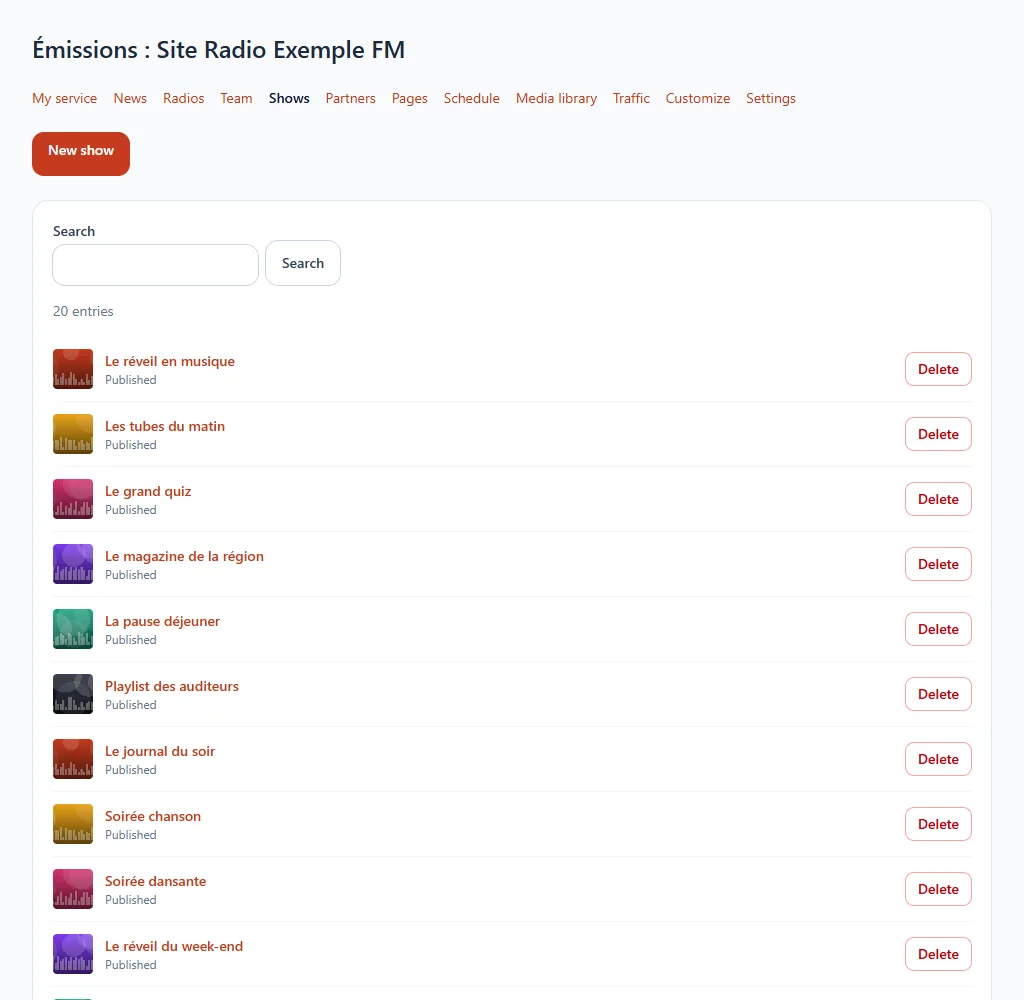
Step by step
- Add a show and give it a title.
- Write a summary of a few words: it appears in the list of shows.
- Add an image, a presentation and a colour.
- Choose its presenters among the members of your team.
- Save.
Available on request
This feature is offered on request. Open a ticket from your customer area or write to us: we will take care of it with you.