Finding your way around the panel
Your whole customer area is navigated from a sidebar: your services, your radio, your account and help are always a click away.
The dashboard
This is the panel's home page. It reminds you of what awaits you (a reply from support, for example), the number of active services, open support requests and team members, then the list of your services.
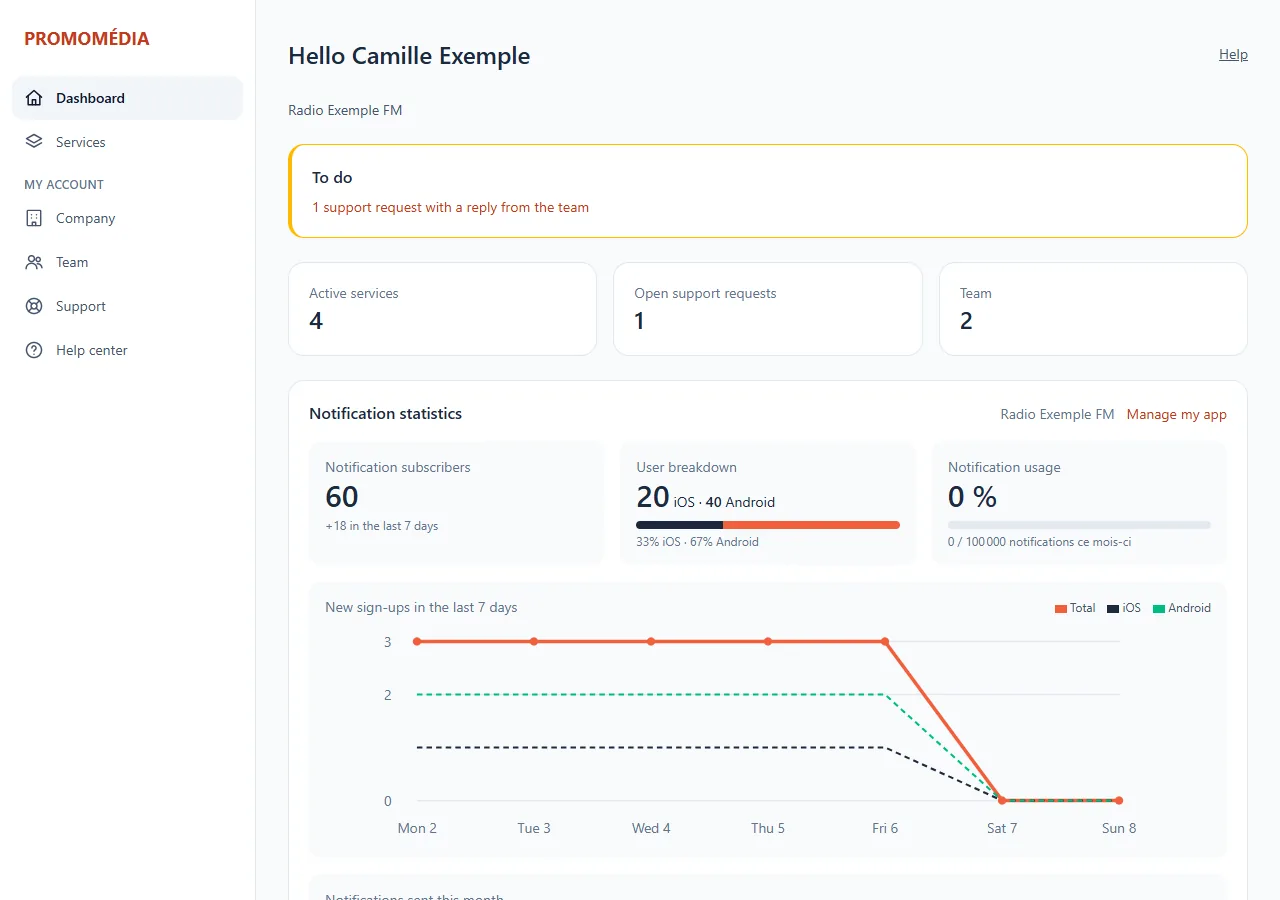
The sidebar
| Section | What you find there |
|---|---|
| Dashboard | The overview |
| Services | All your services: My services |
| Invoices | Your invoices, when online payment is active: Invoices and payment |
| This radio | My radio, Library, Programming and Audience: everything concerning your live radio |
| My account | Company, Team, Support and Help centre (this wiki, in a new tab) |
Your name, at the bottom of the bar, opens My account. The This radio section appears when you are viewing a streaming service. As long as your setup is not finished, a Getting started box below shows the next step.
Help in the right place
At the top right of most pages, the Help link opens, in a new tab, the wiki page that matches the screen you are on.
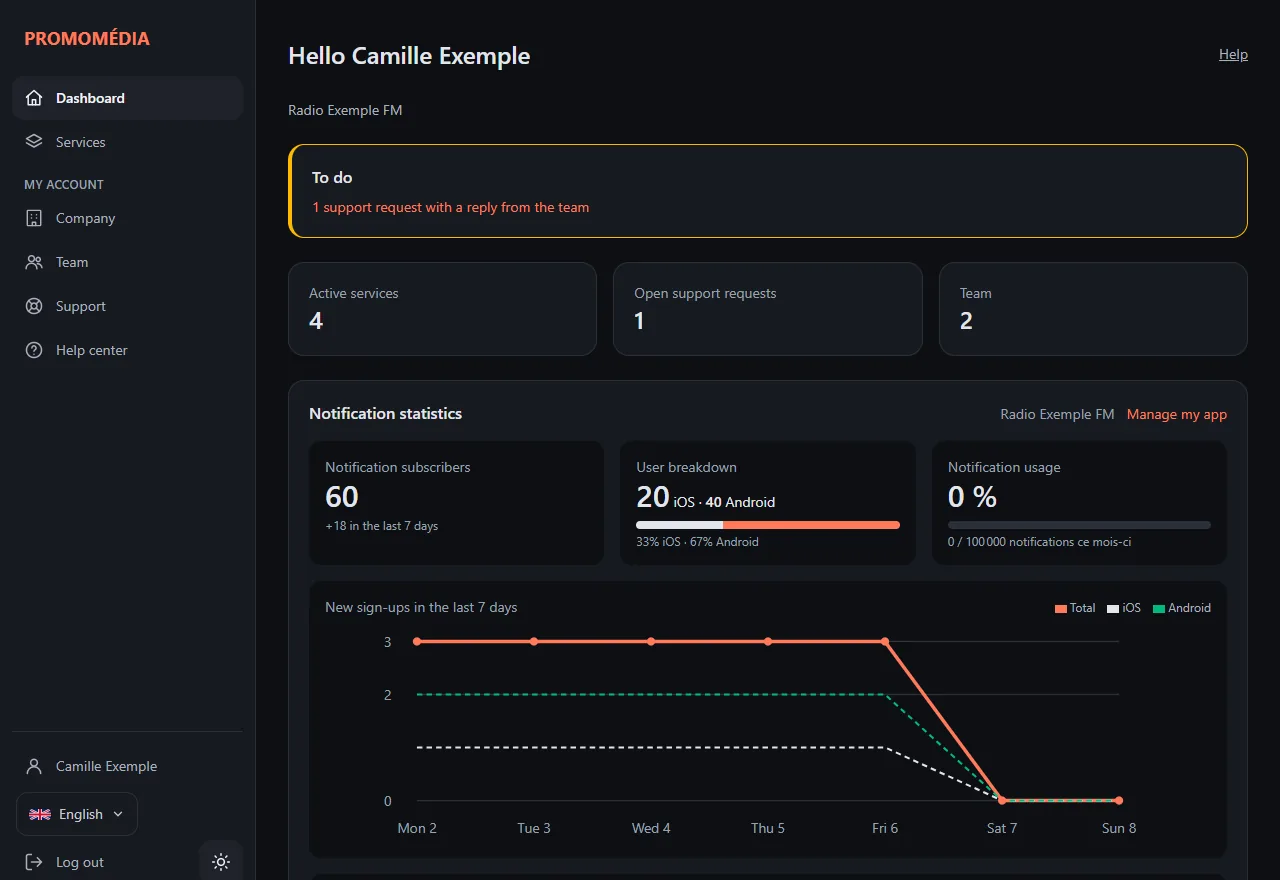
Light or dark theme
The button at the bottom of the sidebar (at the top on a phone) switches between the light and dark theme. Your choice is remembered on this browser only.
On a phone
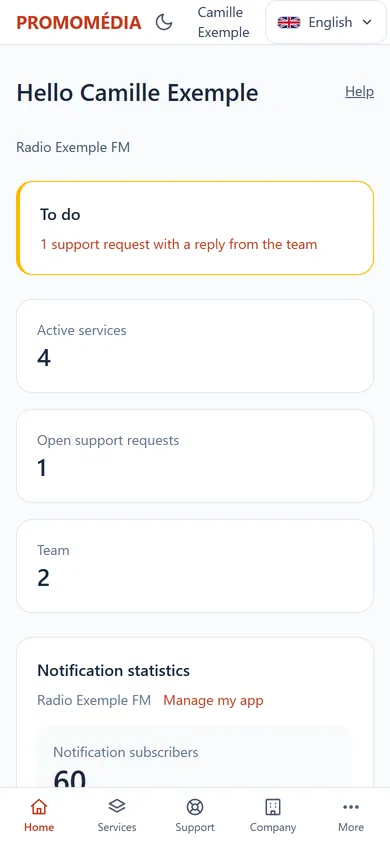
On a small screen, the sidebar gives way to a tab bar at the bottom of the screen: Home, Services, Support, Company and More for the rest.
Accessibility
The panel can be navigated with the keyboard and with a screen reader. Confirmation windows, for example when sending many tracks, are announced when they open. If a page causes you a problem, tell us through Support: we will fix it.