Build the home page
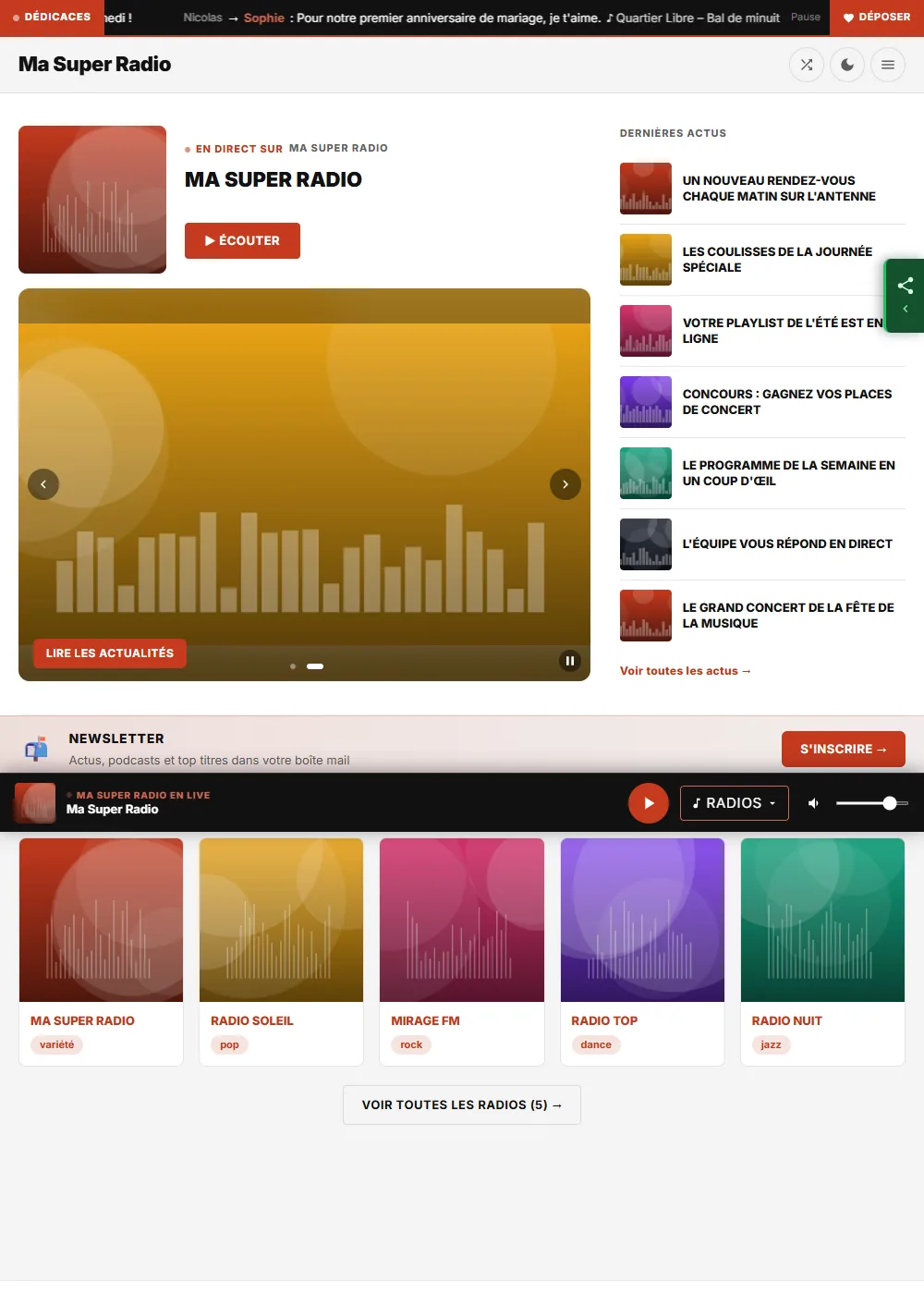
Your website's home page is made of blocks: "Live and latest news", "On air", "Today's schedule", "Latest replays", the carousel… You choose which ones appear and in what order.
Where to find it
Customise section of your website's menu, Home page part under the appearance settings. It appears when this feature is part of your plan.
Step by step
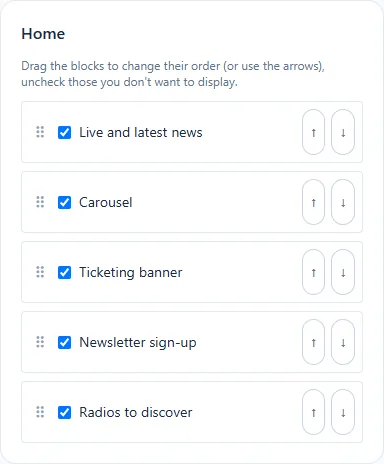
- Change the order: drag a block up or down, or use its ↑ and ↓ arrows (handy with the keyboard).
- Hide a block by unticking its box: it stays in the list, you can show it again later.
- Look at the preview on the right, then click Save.
What each block shows
| Block | What your listeners see |
|---|---|
| Live and latest news | The current song, the Listen button and your latest news |
| On air | The current show and its time |
| Today's schedule | Today's shows, with the current show flagged |
| Latest replays | The most recent replays, with a play button |
| Carousel | Your featured slides |
| Ticketing banner | Access to the search for concerts and shows |
| Newsletter sign-up | A banner to subscribe to your newsletter |
| Radios to discover | Your web radios, with their genre, to start listening in one click |
The blocks offered depend on the sections enabled on your website: see Site modules.
A block with nothing to show (no show today, no replay yet) does not appear on the website.
The footer
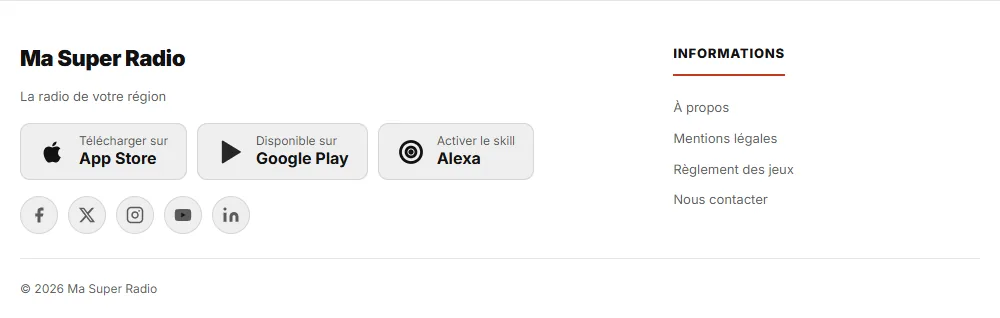
The links to your apps (App Store, Google Play, Alexa skill) and your social networks appear automatically in the footer when you enter their address in the site settings.