First login
In a few minutes, you create your customer area and are ready to order your first service.
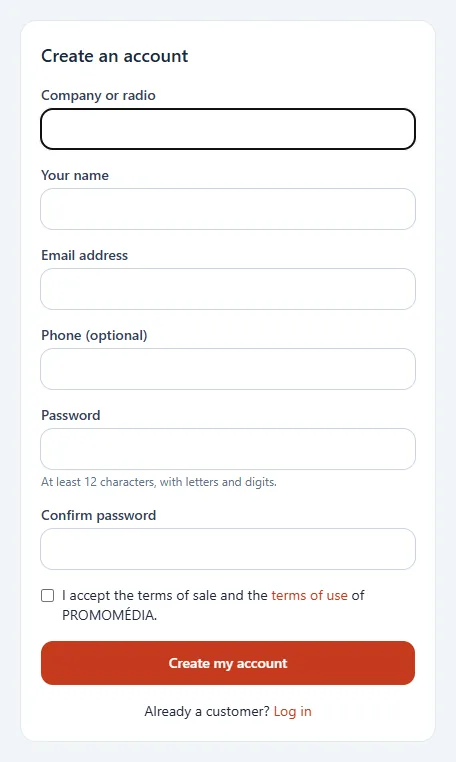
1. Create your account
- Open the account creation page from the login page (Create an account).
- Fill in the name of your company or radio, your name, your email address and, if you wish, your phone number.
- Choose a password: at least 12 characters, with letters and digits.
- Tick the acceptance of the general terms of sale and the general terms of use (each link opens in a new tab so you can read them), then click Create my account.
2. Confirm your email
You receive an email with a confirmation link, valid for 60 minutes. If it does not arrive, check your junk mail: you can ask for a new one from the panel. Confirmation is required to order.
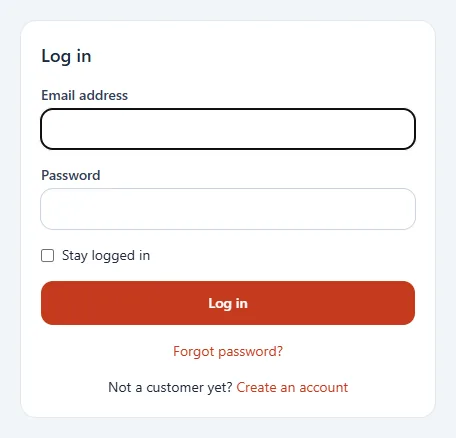
3. Log in
Enter your email address and your password. Tick Stay logged in on your personal computer. Forgot your password? Use the Forgot password? link.
4. Secure your access
Enable two-factor authentication from My account: see My account.
5. Invite your team
Each colleague has their own access: see My team.