Site settings
This is where your website takes on your radio's image.
Where to find it
Settings section of your website's menu.
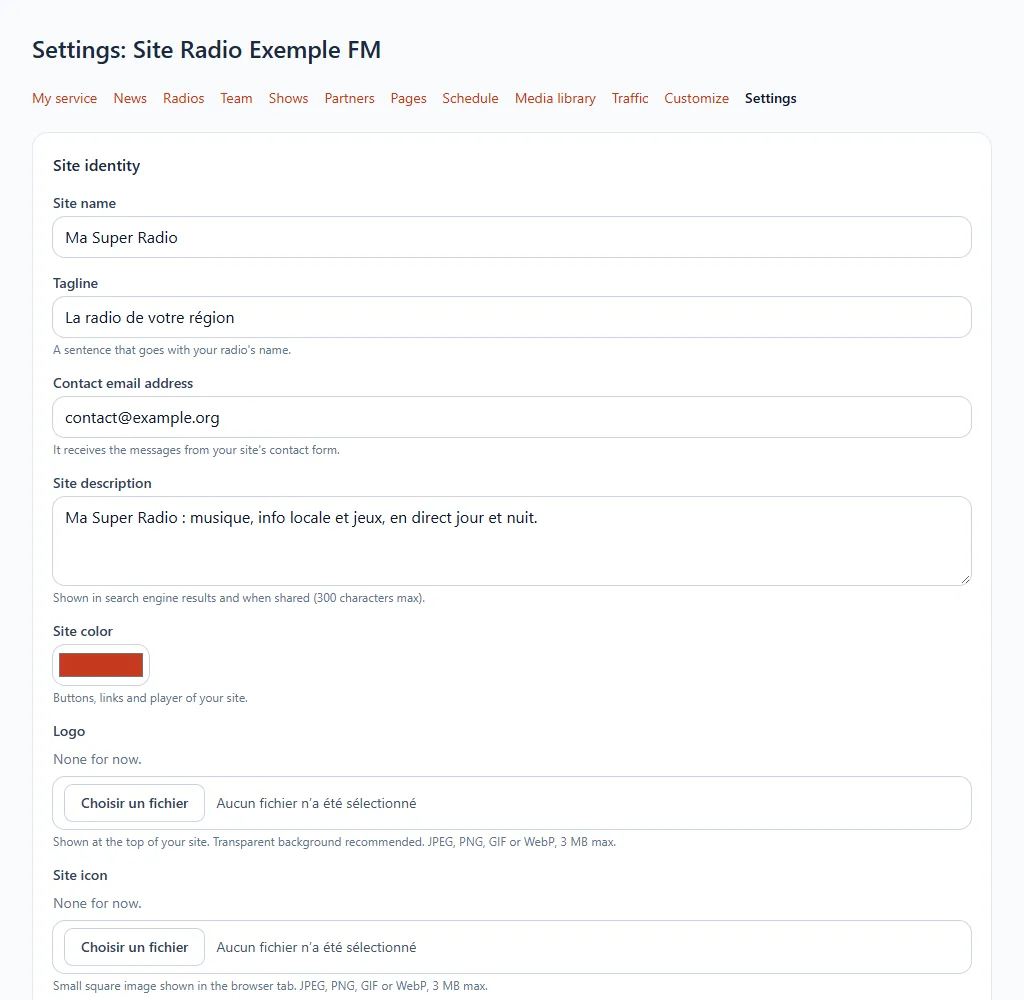
What you can set
- Site identity: name, tagline, description and contact email address.
- Site colour: that of the buttons, links and player.
- Logo and icon: upload them from your computer (JPEG, PNG, GIF or WebP, 3 MB at most).
- Social networks and apps: Facebook, X, Instagram, YouTube, TikTok, Snapchat, LinkedIn and links to your iPhone and Android apps and your Alexa skill.
Two things are set elsewhere:
- The audio stream and the metadata address: on your radio's page.
- The legal notice: it is a free page of your website.
Do not forget to save. Addresses must start with https:// and the colour is written in the #rrggbb format.