The app theme
Choose your app's colours and mood so that it looks like your radio.
Where to find it
In the manager, open Theme.
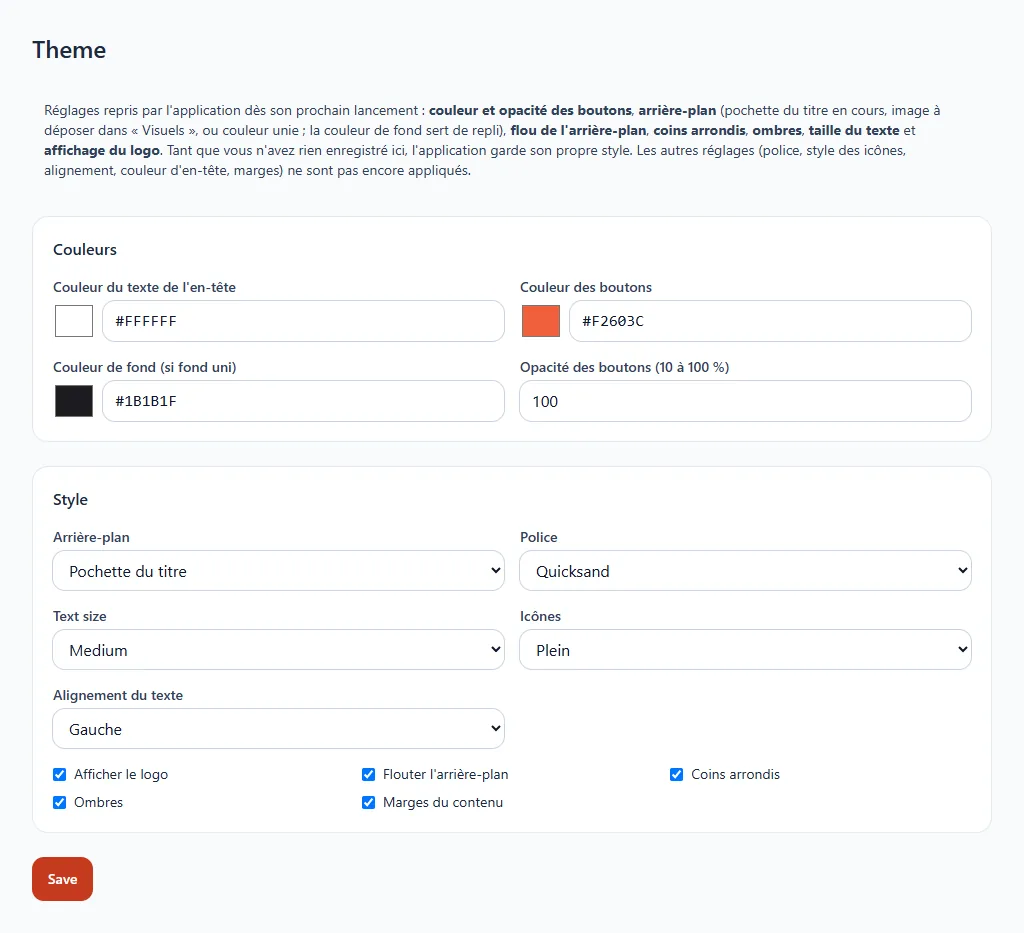
What you can set
- Button colour and their opacity.
- Background: the current song's cover art, an image you upload in Visuals, or a plain colour. The background colour serves as a fallback.
- Background blur, rounded corners and shadows.
- Text size: small, medium or large.
- Logo display.
Click Save: the app picks up these settings the next time it starts. As long as you have saved nothing, it keeps its original style.
Settings to come
The form also shows choices of font, icon style, alignment, header colour and margins. They are not yet applied by the app: do not count on them for now.