The team
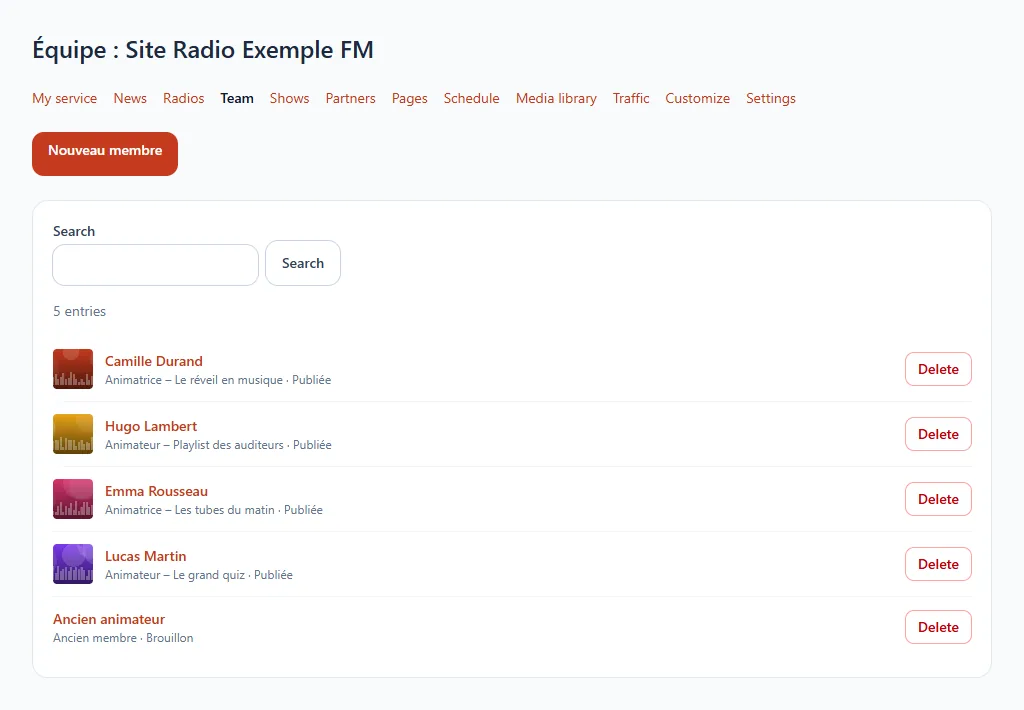
Put faces on your station: one page per presenter or team member.
Where to find it
Team section of your website's menu.
Step by step
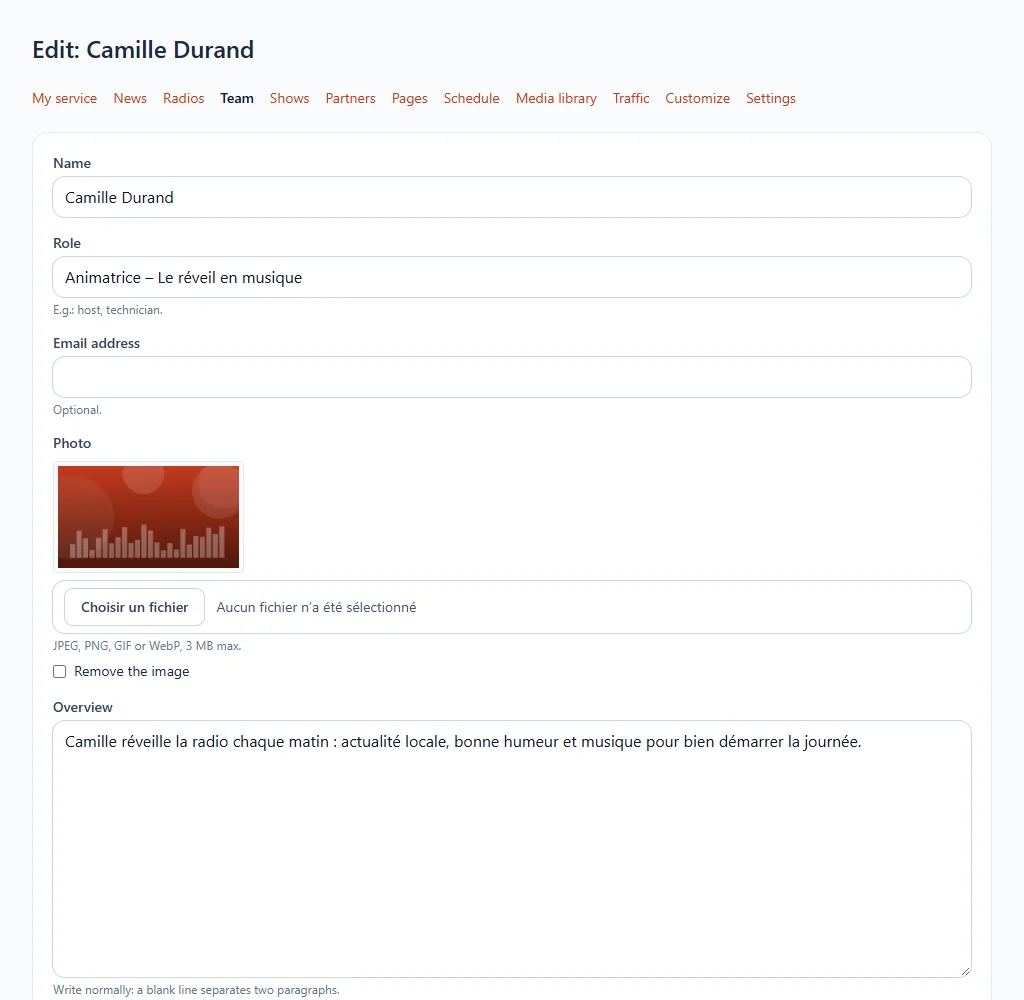
- Add a member: their name, role (presenter, technician…), a photo and a presentation.
- The email address is optional.
- Save.
The presenters created here can then be linked to your shows.
Available on request
This feature is offered on request. Open a ticket from your customer area or write to us: we will take care of it with you.