App settings
Give your app its name and language, and fill in the links the stores require.
Where to find it
In the manager, open Settings.
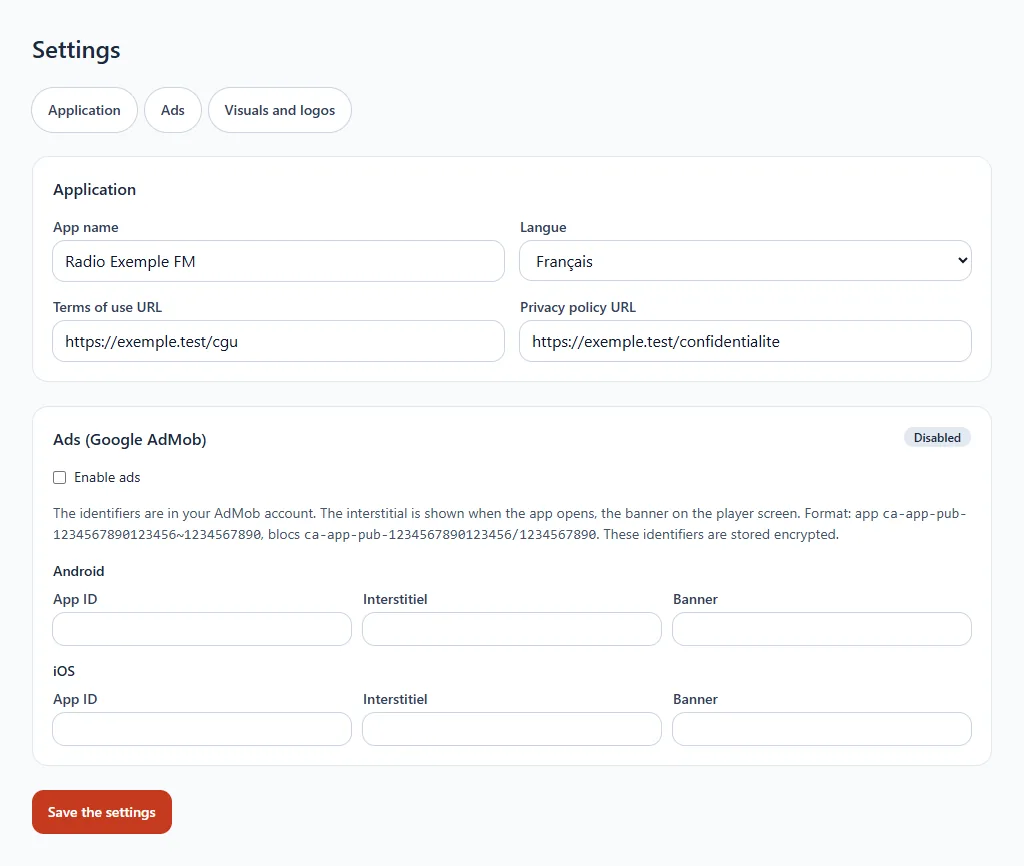
What you fill in
- App name: the one your listeners will see.
- Language: French, English, Spanish, German, Italian or Portuguese.
- Terms of use address and privacy policy address: two pages of your website, which the stores require to publish.
- Advertising: see Advertising in the app.
Click Save the settings to confirm.