The programme schedule
The schedule tells your listeners what is on air, day after day.
Where to find it
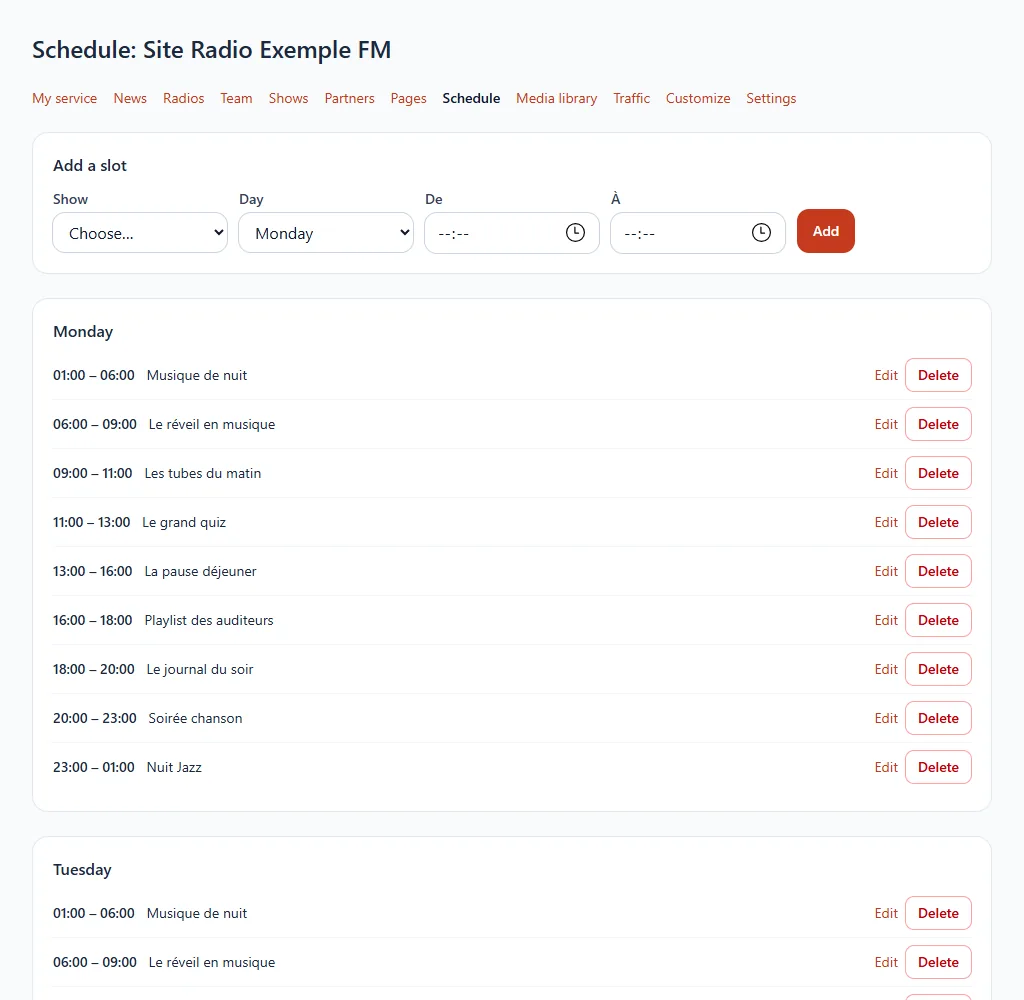
Schedule section of your website's menu (it appears with the shows).
Step by step
- Add a slot: choose the show, the day and the start and end times.
- Save. You can edit or delete a slot from the list.
A slot can end after midnight: for example from 23:00 to 01:00.
The website's schedule is independent of your station's music programming: it is used to inform your listeners.
Available on request
This feature is offered on request. Open a ticket from your customer area or write to us: we will take care of it with you.