My company
Your company's information is used for your invoices and our exchanges with you. Keep it up to date so you miss nothing.
Where to find it
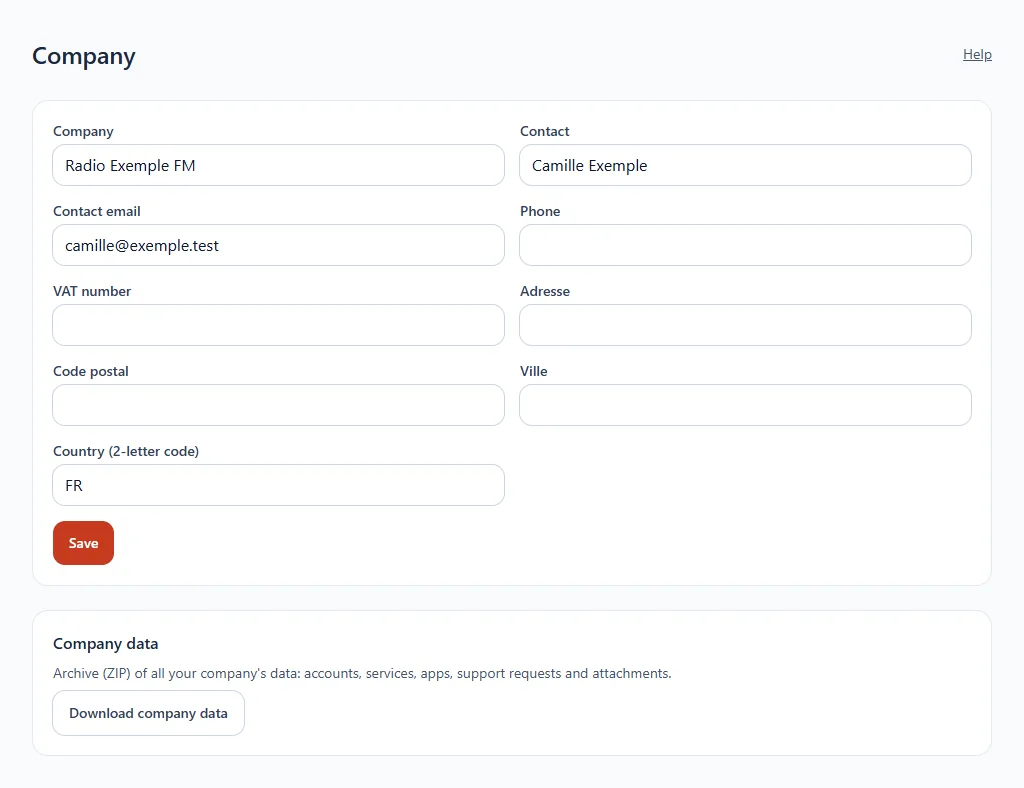
In the sidebar, click Company. This page is reserved for the account manager.
Step by step
- Fill in the company name, the contact, the contact email address and the telephone.
- Add the VAT number, if you have one.
- Complete the address: address, postcode, city and country (2-letter code, for example FR).
- Click Save.
Download the company's data
At the bottom of the page, Download the company's data gives you an archive (ZIP) of all your company's data: accounts, services, apps, support requests and attachments.