The crossfade
With the crossfade, the track that is ending and the next one (jingles included) overlap slightly: no more gap between them.
Where to find it
In the sidebar, under This radio, click Programming (or Program the AutoDJ from your radio's page), then, in the Advanced settings section, Crossfade between tracks.
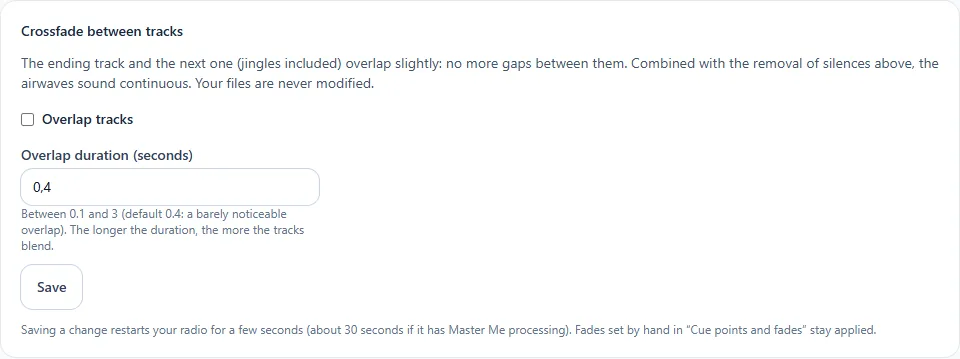
Step by step
- Tick Overlap the tracks.
- Enter the overlap duration, between 0.1 and 3 seconds. The default value, 0.4 seconds, is barely perceptible: the longer the duration, the more the tracks blend.
- Click Save.
Good to know
- Saving a change restarts your radio for a few seconds.
- Fades set by hand in the track editor remain applied.
- Your files are never modified.
- Combined with silence removal, the station sounds continuous.