Publish news
News brings your website to life: an event, something new on air, a contest. You write, you save, and the page appears on your website.
Where to find it
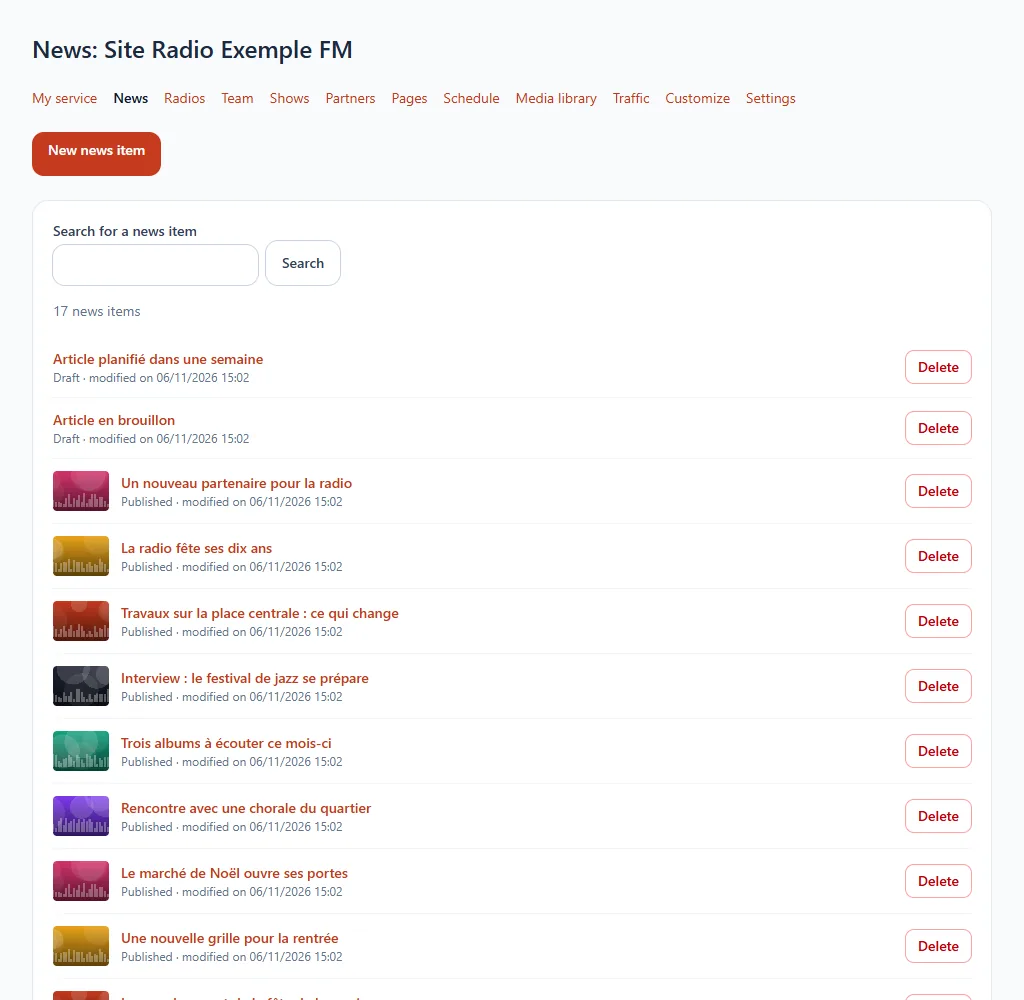
Open your website-type service, then the News section of the menu.
Step by step
- Click New news item.
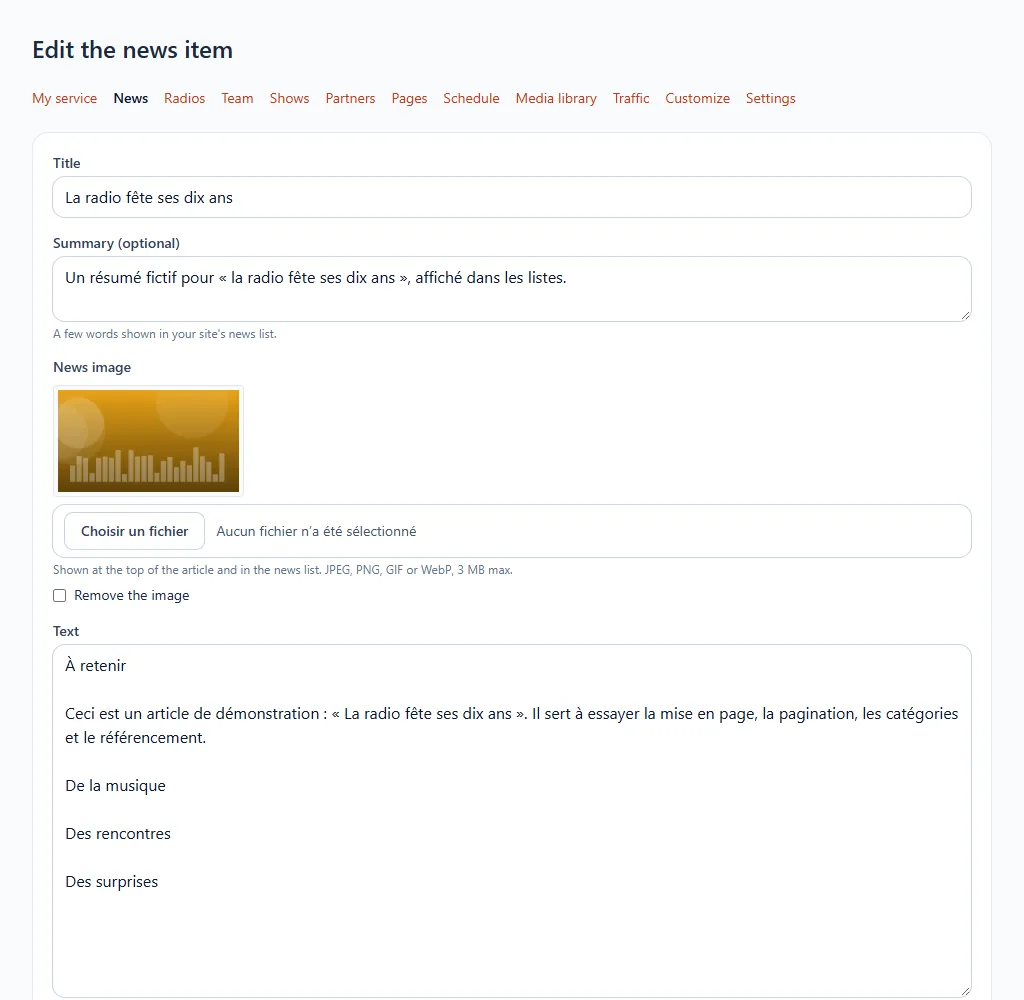
- Give a title and write the text, leaving a line between two paragraphs: no formatting needed.
- Add an image if you wish, from your computer or your media library.
- Save. You can edit or delete it at any time from the list.
Good to know
- Accepted images are in JPEG, PNG, GIF or WebP format.
- A deleted news item disappears from your website immediately.
A question? See Radio website.