Finish the hour on the dot (speed adjustment)
When an hour does not fall exactly on 60 minutes, certain tracks are very slightly sped up or slowed down so that the next hour starts as close as possible to the top of the hour. The pitch does not change.
Where to find it
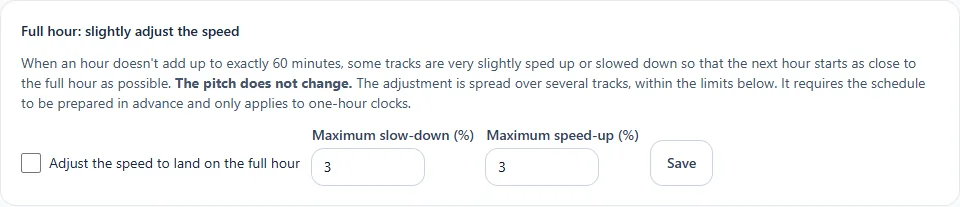
In the sidebar, under This radio, click Programming (or Program the AutoDJ from your radio's page), then the section Full hour: slightly adjust the speed.
Step by step
- Tick Adjust the speed to land on the top of the hour.
- Set the maximum slowdown and the maximum speed-up (in %). The lower these limits, the more discreet the adjustment.
- Click Save.
Good to know
- The adjustment is spread over several tracks, within the chosen limits.
- It requires the station to be prepared in advance and only applies to hour clocks.
- Your files are never modified.